
English source · 4 min
Workshop 4 — A scheduled shop review reminder
Build a daily reminder with the native scheduler and graphical Flow Builder. The app emits a typed event at 08:00 UTC; a flow records an internal review note. Optional email/Slack delivery uses the existing configured connector apps. The schedule is not a browser timer or an automatically generated stock analysis.
Workshop setup and release steps · Installable scheduled example
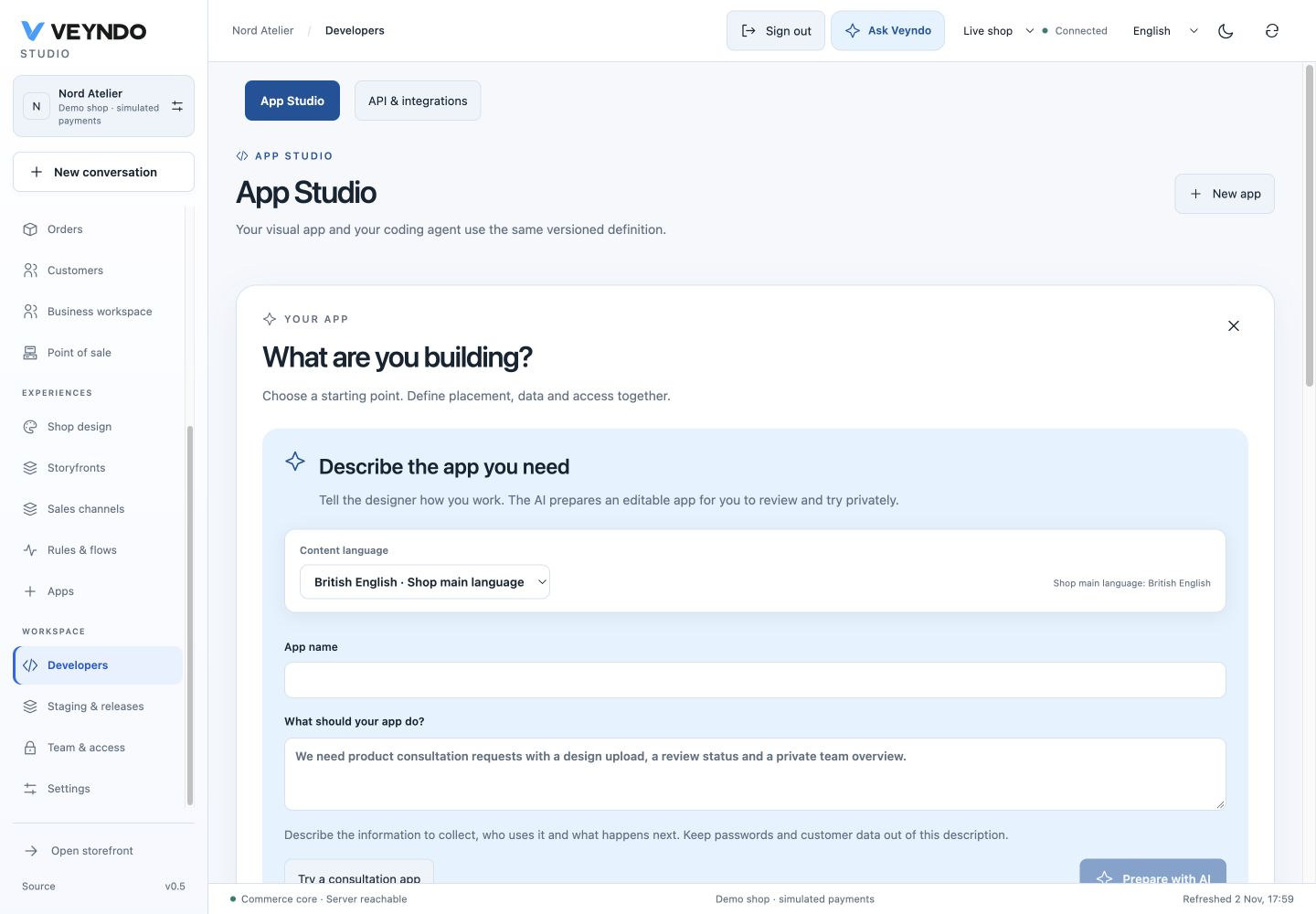
Current shared workspace, captured 2 November 2026. The linked earlier worked examples preserve their original field definitions and outcomes.
1. Create the scheduled contract
Open Developers → New app → Scheduled automation. Enter Daily shop review,
technical ID tutorial_review, placement Own admin module, and cron
0 0 8 * * *. Leave MCP off. Choose Create editable draft.
Earlier worked example: Daily shop review assistant with its explicit UTC schedule

The six fields are seconds, minutes, hours, day, month, weekday. 0 0 8 * * *
means 08:00 UTC daily. It does not track a country's daylight-saving time.
The seconds field must be a single number. 0 */15 * * * * emits every fifteen
minutes; 0 * * * * * emits once per minute for a disposable local test.
2. Inspect the event and enabled schedule
Under Connections → Automation contract, the generated schedule targets the
declared emit action received. For this technical ID, the emitted event is
app.tutorial_review.received. Changing the app ID changes this event name; use
the actual installed ID in the Flow Builder.
Earlier worked example: The native schedule and event name in Connections

The equivalent contract fragment is:
{
  "schedules": [{
    "id": "recurring",
    "cron": "0 0 8 * * *",
    "action": "received",
    "input": {"payload": {}},
    "enabled": true
  }]
}
Keep the private data model for review notes. If changing schedule payloads through the coding agent, preserve the declared action input schema. The backend accepts at most eight schedules/app and commits a tick with its outbox event atomically.
3. Connect an explicit Flow action
Save/review/install the package. Open Connections → Open Flow Builder, or
Rules & flows → Event flows. Create a flow listening to the actual app event.
Add an Internal note action, such as Review products, low stock and today's
orders. Save the flow with translated title/message through the shared content
language selector. Do not make the received emit action recursively call itself.
flowchart LR
  S[Persisted UTC schedule] --> T[Transactional tick and outbox]
  T --> E[app.tutorial_review.received]
  E --> F[Saved graphical flow]
  F --> N[Internal review note]
  F -. optional .-> C[Configured Email or Slack app]
For a Slack extension, use the bundled Slack app and the existing Flow action with its configured target and consent; connector setup. For email, use the existing Email Delivery queue. Do not put SMTP calls, webhook secrets or a duplicate scheduler into the app Manifest.
4. Test the clock in the right environment
Design/F5/staging can inspect and validate the contract; private environments do not run schedules or external deliveries. For clock acceptance, publish to a disposable live local test shop, run the existing worker configuration, set the one-minute test expression and wait for a due tick. Inspect Flow executions for the saved internal note. Restart the owned test process and verify that the same due tick is not duplicated. Then restore 08:00 UTC or disable the schedule before leaving the test shop running.
A tick/event does not prove an external message arrived. If testing delivery, use a local provider fixture or your specifically approved test destination and inspect the actual provider result. Consumers are at-least-once; remote actions still require idempotency and explicit handling of unknown outcomes.
Ask the coding agent
Keep this app's existing received emit action and native UTC schedule. Set it to
08:00 UTC daily and add translated review-note labels. Keep data private, MCP
off and the same action schemas. Explain the emitted event name and how to bind
an Internal note flow. Do not create a browser timer, SMTP sender or second queue.
Keep all resources under the app package. Return a reviewed Manifest edit.
Ownership and regression evidence
The generated app's schedule/actions belong to its Manifest. The shared scheduler,
outbox and Flow owners execute the contract. app_assistants verifies actual
persisted ticks, private-stage suppression, replay and cold restart; automation
and automation_lifecycle cover the native Flow path. The current screenshots
show a configured draft, not a delivered daily notification.